Broker setup packet for a small Canadian carrier: every document they'll ask for
Each broker sets its own requirements. Keep a master folder: safety registration, COI, GST/HST account number and banking, plus the right W-8 form, not the W-9 in the packet.
By Manpreet Singh November 4, 2026 6 min read
Before you sign the W-9 in a US broker's setup packet, check what you're certifying. The IRS instructions say foreign persons must use the appropriate W-8 or other applicable form instead. Just because a form is in the packet doesn't mean it's the right one for your Canadian business.
No single packet satisfies every broker. Even platforms with reusable carrier profiles leave room for different requirements: Truck News reported on October 27, 2026 that Truckstop's Carrier Hub Pro lets brokers and shippers set their own requirements and agreements.
Use this as a master checklist for a small general-freight carrier. Conditional documents are identified below. It reflects published requirements checked on November 2, 2026, but it can't promise every document for every specialised load, so get the broker's own checklist before you submit.
The setup checklist
Carrier profile and broker-carrier agreement
Prepare a company information sheet with your legal name, any operating name, address, dispatch and billing contacts, after-hours contact, equipment counts and lanes served. These are all fields on Logikor's carrier application, which also requires you to accept its broker-carrier agreement.
Build the profile from your business records. Copy the legal name carefully and list the operating name separately. Get the agreement from the broker's verified website or onboarding contact, read the payment and claims provisions before signing, and save the signed copy. Your reusable information sheet doesn't replace each broker's agreement.
CVOR certificate or provincial safety registration
For an Ontario-plated fleet, have a readable copy of the carrier's CVOR certificate ready. Ontario's IRP carrier manual identifies the CVOR as Ontario's safety fitness certificate and NSC number. Fleets plated elsewhere in Canada should use the safety registration issued by their base jurisdiction; Quebec uses an NIR.
The certificate and the safety abstract are separate documents. Logikor, for example, asks for a Level 2 CVOR. Ontario's CVOR service page lets you apply for a certificate or order an abstract, and links to certificate renewal and replacement services. Ask the broker which abstract it wants and how recently it must have been issued.
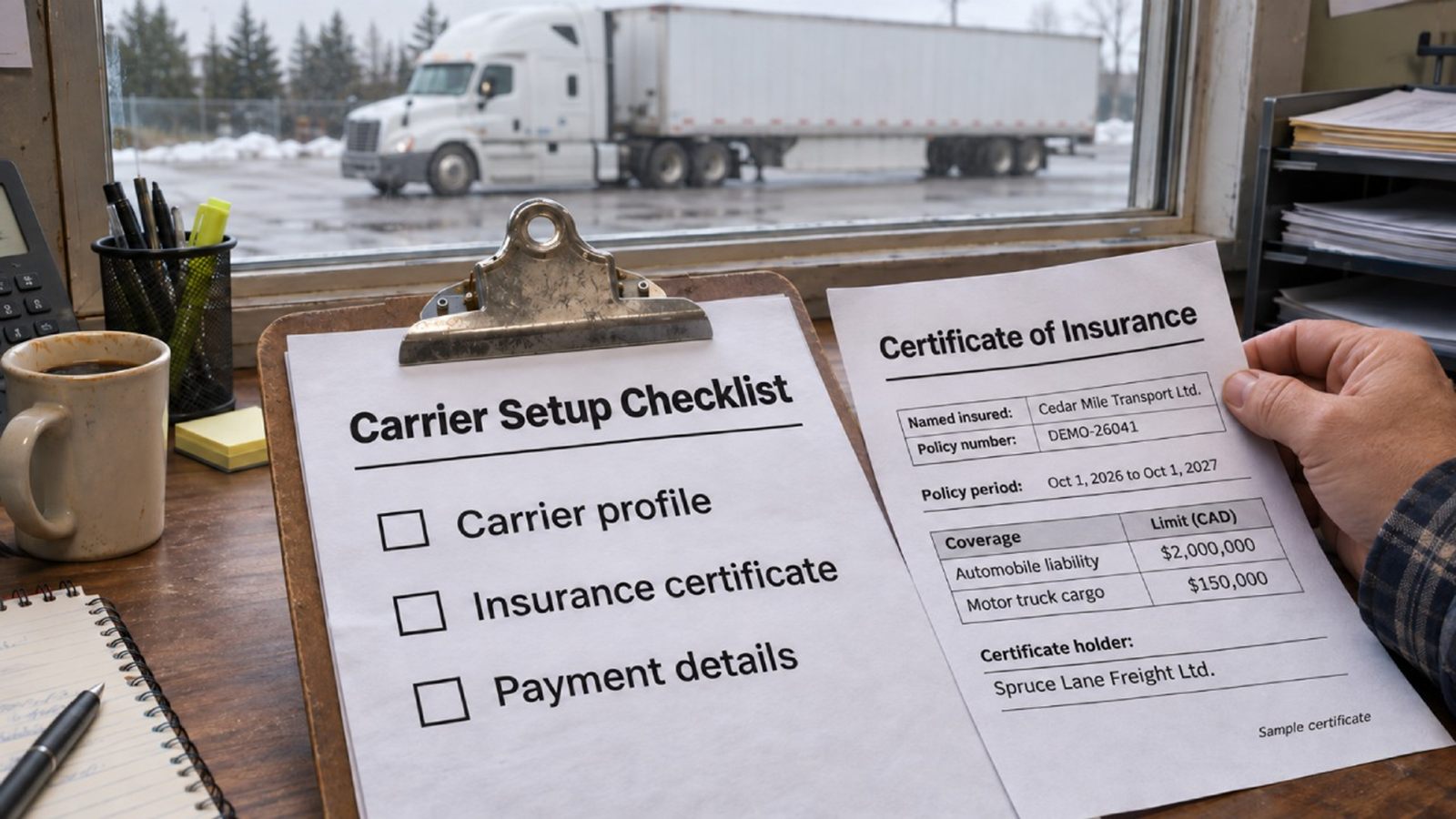
Certificate of insurance showing cargo and liability coverage
Send the broker's insurance requirements to your insurance broker or agent and request a certificate of insurance, usually called a COI. Ask them to check the named insured, policy dates, coverage limits and currency against the setup request.
As a published example checked on November 2, 2026, C.H. Robinson lists US$100,000 cargo liability and US$1,000,000 automobile liability. Those are that broker's requirements, not universal Canadian minimums. And don't assume a dollar amount on a US packet means Canadian dollars.
Check the other coverage lines too. Rome Transportation's packet lists general liability separately from auto and cargo, and Logikor asks for reefer breakdown coverage when you operate reefers.
Ask whether the certificate must name the freight broker as certificate holder and whether it must come directly from your insurance agent. C.H. Robinson, for one, requires the agent to submit it directly to its onboarding platform. Pass any request for additional-insured wording to your insurance broker to handle.
GST/HST account number
If you're registered, keep your GST/HST account number with the profile. Get it from your CRA account records or ask your accountant to confirm it. The CRA explains the format: your nine-digit business number, the letters RT and a four-digit reference number. A business number on its own doesn't identify the GST/HST program account.
Copy the full account number exactly as it appears in your CRA records. If you aren't registered, tell the broker and work out what it needs instead; never enter a made-up number.
Banking documents for payment
Use the payment document the broker accepts. Rome Transportation's Canadian EFT setup, for example, asks for a void cheque or direct-deposit form. Get the document from your business bank. If you don't use cheques, ask whether the broker will accept a bank-issued account confirmation letter.
Confirm which account should receive payment and in which currency. Send banking information only through the verified setup channel, never to an unconfirmed address in a forwarded email.
If you factor invoices, add the factoring letter and notice of assignment supplied by your factor. H&N Logistics' published packet requests both when applicable. Make sure the broker has the correct payment instructions before you accept loads.
The appropriate US tax form
When a US payer requests tax documentation, choose the form that matches the payee's actual tax status, and download a fresh copy from the IRS.
- W-8BEN-E documents foreign-entity status. It is generally the relevant starting point for a Canadian corporation documenting that status, subject to the IRS exceptions.
- W-8BEN is the individual form. An unincorporated owner-operator who is a foreign individual may need this rather than W-8BEN-E.
- W-9 is for US persons. Don't choose it just because the customer is American or because you have a US tax identification number.
There are exceptions. The IRS form's opening instructions point to other forms for situations including foreign partnerships and certain income connected with a US trade or business. Give the completed W-8 to the requester, not directly to the IRS. This is paperwork guidance, not tax advice: check the US form with your accountant, and take GST/HST questions to your accountant or the CRA.
USDOT number and operating authority for US work
For a Canadian general-freight carrier running into the US, have the USDOT number ready and, where required, the operating-authority certificate or permit. Start with FMCSA's registration guidance for Canada-domiciled carriers.
A USDOT number and operating authority are separate things. FMCSA requires authority for applicable interstate for-hire operations, with exceptions that include carriers exclusively hauling exempt commodities. Don't assume every cross-border operation faces the same requirement.
Use FMCSA's authority-status and document guidance to check the record and get a certificate copy. An old grant letter doesn't prove the authority is still active, so check the status as well as saving the document.
WSIB clearance or status determination, when requested
If the broker asks for Ontario workers' compensation documentation, use the document that fits your business. A WSIB clearance shows a registered business is up to date with its payment and reporting obligations. Eligible businesses can find and download one through WSIB's online clearance services.
An owner-operator without employees may need an independent-operator status determination instead, which is not the same document as a clearance. Under WSIB's transportation process, a determination letter can be used for later contracts with new principals as long as the same vehicle and VIN are used; changing vehicles requires a new questionnaire. Ask WSIB for the determination letter.
Extra requests to check before submitting
Add these to the packet when the broker or the work calls for them:
- References and driver contacts. H&N Logistics' packet asks for both. Build the requested contact sheet from people who can actually vouch for your work. If this is your first broker relationship, say so and ask what alternative evidence is acceptable.
- Cross-border security information. Stephen Frederick Logistics requests a business-partner security questionnaire from carriers crossing the border. Get the questionnaire from the broker and answer it for your actual operation.
- SCAC, if requested. Get the assignment or renewal information from the National Motor Freight Traffic Association, which issues the code.
- Trailer-interchange paperwork and equipment-specific insurance. H&N's packet requires a separate interchange agreement when you use its trailers and specifies non-owned equipment coverage. Get the agreement from the broker and have your insurance broker confirm the required coverage before you sign.
Keep one folder ready for the next setup
Keep one master folder of valid documents, with a subfolder for each broker's signed agreement and customised certificates. Use clear filenames that include expiry dates, and move superseded copies out of the sending folder.
When your insurance renews, replace the COI and arrange any direct submissions your brokers require. Use the renewal as a reminder to review your other expiry dates too. Keep the insurance agent's contact details beside the certificate. And before reusing an old setup email, open the attachments and check the dates.
About the author
Manpreet Singh
Works with small trucking fleets at ZyloFuel, a Canadian fuel card company for owner-operators and fleets of up to twenty trucks.